
Got 10 minutes for a chat? Why not arrange a quick call with one our QR code experts? We’ll happily provide information about how they can be used, the principal benefits to your business and will answer any questions you may have.
Planning an event can be a lot, right? Between sorting out the venue, the catering, and the entertainment, the last thing you want is a long queue at the entrance. That’s where a free qr code check in comes in handy. It’s a super simple way to get your guests through the door quickly and smoothly, making sure everyone starts the event on the right foot. No more paper lists or fumbling for names – just a quick scan and they’re in!
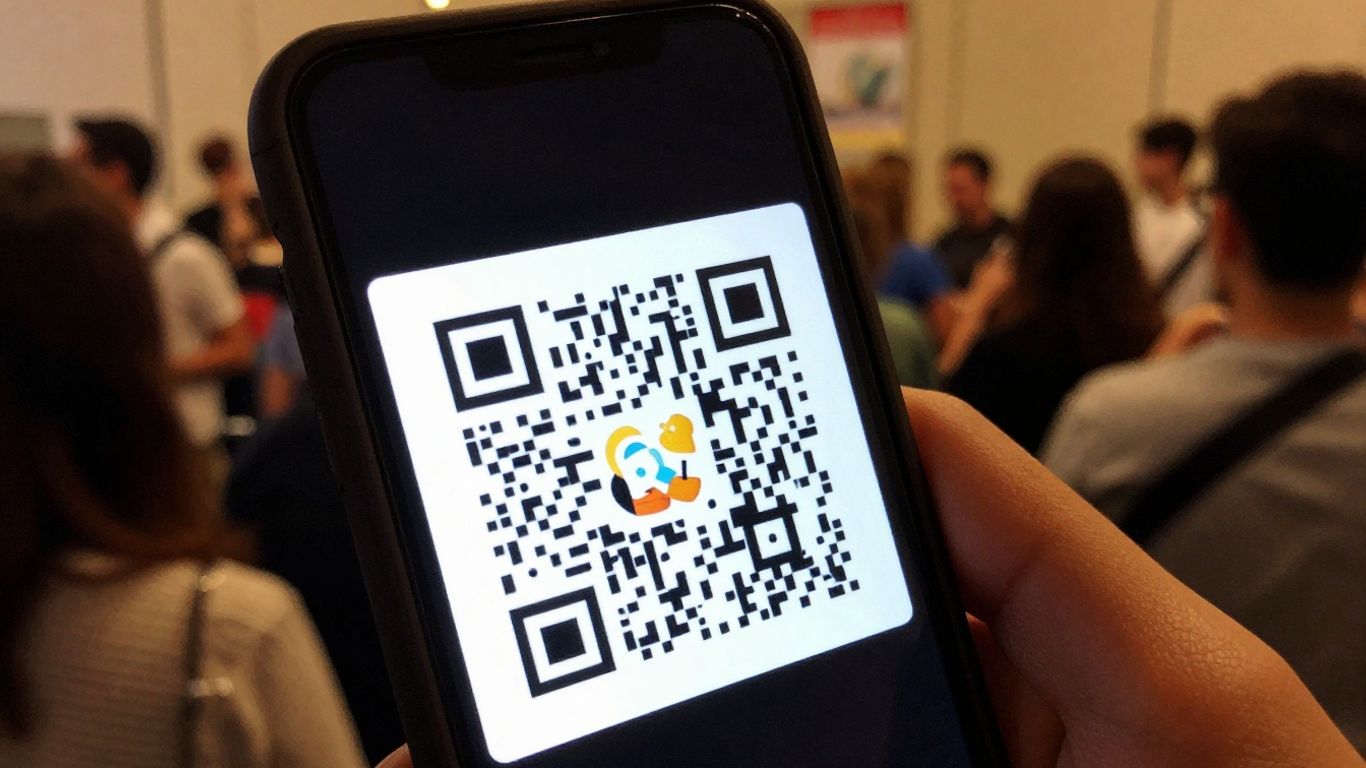
Forget the old days of long queues and fumbling for printed tickets. Using a free QR code for your event check-in is a game-changer, making the whole process smooth and speedy for everyone involved. It’s a simple bit of tech that really makes a difference to that first impression your guests have.
Think of a QR code as a digital handshake. When guests arrive, they simply scan the code with their phone, and bam – they’re checked in. This means less time spent at a desk and more time enjoying the event. It’s all about making things easier and quicker. For businesses like estate agents, this concept is already revolutionising how they connect with potential buyers. Platforms like Scan A Sign turn traditional ‘For Sale’ boards into always-on lead generators with editable QR codes. They offer a simple dashboard to manage links and track analytics, which clearly shows the benefits for winning more instructions and viewings. This same principle of instant connection and data tracking applies perfectly to events.
Long queues at the entrance can really put a dampener on the start of an event. A QR code system cuts down on this significantly. Instead of staff manually ticking off names or scanning badges, guests do the work themselves in seconds. This frees up your event staff to handle any queries or issues that might pop up, rather than being stuck behind a check-in desk. It’s a much more efficient way to manage the flow of people, especially for larger gatherings. You can even use these codes to provide event schedules and maps, giving attendees all the info they need right away.
Beyond just speed, a QR code check-in adds a modern touch that attendees often appreciate. It feels organised and tech-savvy. Plus, it opens the door for more interactive elements. Once scanned, the QR code could direct guests to a welcome message, a digital programme, or even a special offer. It’s a small detail that can make your event feel more polished and engaging from the very first moment. This kind of instant access to information is something people are used to, thanks to how we use our phones daily. It’s about meeting your guests where they are, with the information they need, right when they need it.
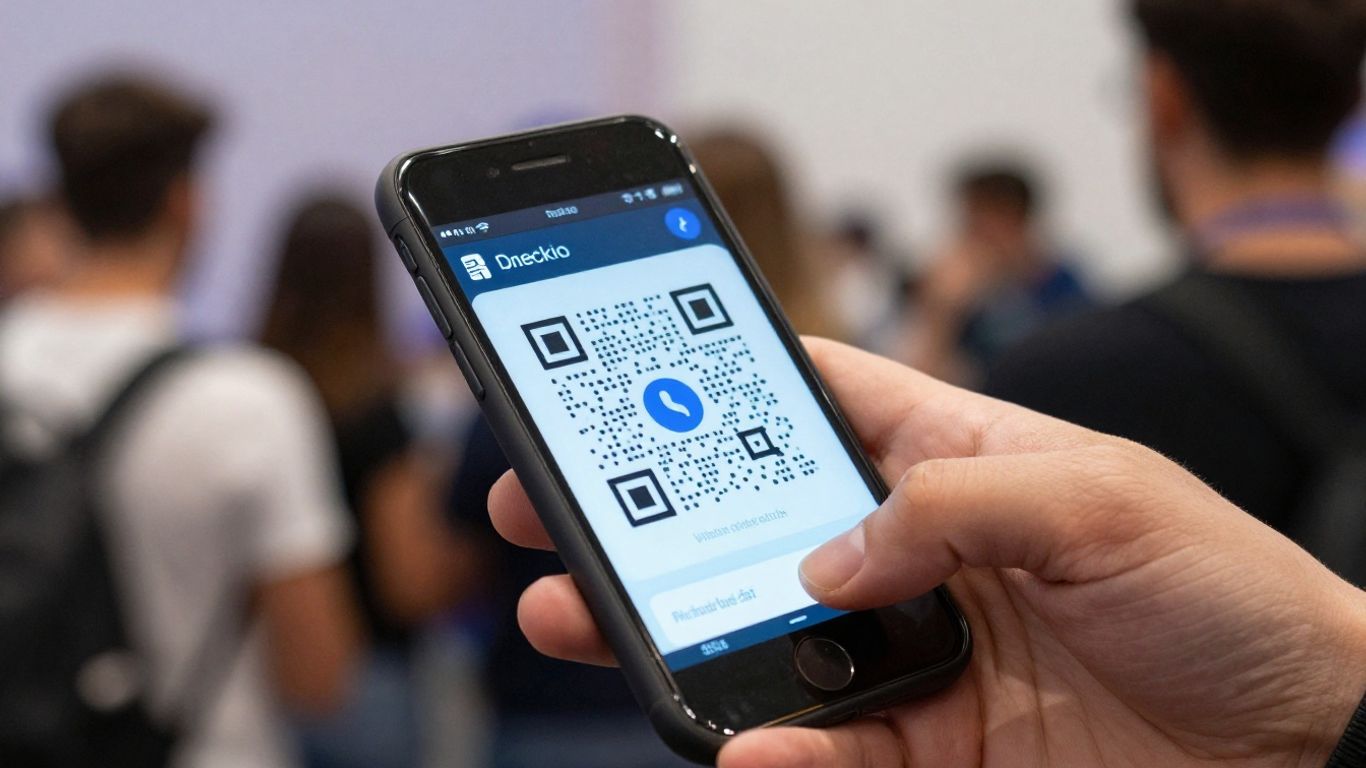
Getting your free QR code check-in system ready is simpler than you might think. It’s all about choosing the right tools and setting them up correctly so your guests have a smooth experience from the moment they arrive.
There are loads of free QR code generators out there, and they all do pretty much the same thing: turn a web link into a scannable code. But some are better than others. You want one that’s easy to use, doesn’t ask for your details upfront, and lets you customise the look a bit. Some generators might limit how many codes you can make or download, or add watermarks, which isn’t ideal. Look for one that offers unlimited use and downloads without any sign-up needed. This way, you can create as many codes as you need for your event without any fuss.
For example, Scan A Sign offers a system that’s brilliant for estate agents, turning their ‘For Sale’ boards into always-on lead generators. They use editable QR codes, a simple dashboard to manage links and see analytics, and clearly show the benefits for winning more instructions and viewings. While their focus is property, the idea of a user-friendly dashboard and editable codes is something to look for in any generator.
Once you’ve picked your generator, it’s time to make the QR code look good. Most free tools let you change the colours of the dots and the ‘eyes’ (the squares in the corners). You can also often upload a small logo to go in the middle. This helps your QR code match your event’s branding. Make sure there’s a good contrast between the dark and light parts of the code – a black code on a white background is usually best for scanning. It’s also important to test it. Scan it with your phone to make sure it opens the correct link before you print anything.
What you link your QR code to is key. For an event check-in, you’ll want it to go to a simple online form or a page with all the essential event details. This could be:
Using a service like Jotform, you can easily create a custom sign-in sheet template that your QR code can link to. This streamlines the whole process, making it quick and easy for guests to get checked in and find the information they need.
Always test your QR code thoroughly before downloading and using it in designs to guarantee it functions correctly and reliably directs users to the intended content. This simple step can save a lot of hassle later on.
Right, so you’ve got your QR codes all set up and ready to go. Now comes the part where you actually use them to get your guests through the door smoothly. It’s not just about having the codes; it’s about making the whole process as painless as possible for everyone involved.
Think of your check-in area as the first impression of your event’s organisation. You want it to be clear, efficient, and welcoming. Have a few stations set up if you’re expecting a crowd, and make sure there’s enough space for people to queue without blocking the entrance. Each station should have:
It’s also a good idea to have staff members stationed here who know how the system works. They’re the ones who will be guiding people, so they need to be confident and helpful. For estate agents, imagine this setup applied to your ‘For Sale’ boards. Instead of just a static sign, you can use something like Scan A Sign. They turn your boards into always-on lead generators with editable QR codes. You get a simple dashboard to manage all your links and see the analytics, which is a clear benefit for winning more instructions and viewings. It’s about making that physical sign work harder for you.
Most people are pretty familiar with QR codes now, but it’s still good to offer a little guidance. As guests arrive, your staff can direct them to the check-in station. A simple instruction like, "Just hold your phone up to the screen, and the link should pop up to confirm your attendance," is usually enough. If someone’s phone isn’t scanning, or they’re having trouble, your staff can quickly help them out.
Remember, the goal is speed and ease. If it takes longer to check in than it did to get to the event, you’ve missed the mark. Keep it simple, keep it quick.
For those who might not have a smartphone or prefer not to use one, have that alternative check-in method ready. This could be a quick name search on a list. It’s all about making sure no one is left waiting or feeling excluded. The whole point of using event ticket QR codes is to speed things up, so don’t let the implementation slow you down.
Even with the best planning, things can go a bit sideways. Here are a few common hiccups and how to deal with them:
Having a designated person or team to handle these issues quickly can make a big difference. They should be empowered to make decisions on the spot to keep the line moving. This proactive approach to problem-solving is key to a successful event entry process, much like how Scan A Sign offers a simple dashboard for managing links and analytics, helping you stay on top of things.
So, you’ve set up your free QR code check-in system and the event is running smoothly. That’s great! But don’t stop there. The real magic happens when you start looking at the data you’ve collected. This information is a goldmine for understanding your attendees and making your next event even better.
One of the most immediate benefits of a QR code check-in is the ability to see who’s arrived as it happens. Forget waiting until the end of the day to count heads. With a QR code system, you get a live feed of attendees. This is super helpful if you need to know numbers for catering, seating, or even security.
This real-time data gives you a dynamic view of your event’s progress, allowing for quick adjustments if needed. It’s a far cry from traditional methods where you might only get a final count hours later [7658].
Beyond just knowing who’s there, the data can tell you a lot about how your guests are interacting with your event. Think about what you can learn from the scan data. For example, if you’ve linked your QR code to different parts of your event (like a schedule or a specific session), you can see which areas are most popular. This is where tools like Scan A Sign really shine for estate agents, turning ‘For Sale’ boards into lead generators. Their system allows you to track scans on property boards, showing you which listings are getting the most attention. This isn’t just about event attendance; it’s about understanding interest and engagement.
The ability to track scans and see where interest is highest provides actionable insights. This data helps you understand what’s working and what’s not, allowing for smarter decisions in the future.
For events, this could mean:
This kind of detailed analysis helps you understand your audience’s preferences and tailor future events accordingly [3aae].
All the data you collect from your QR code check-ins isn’t just for looking at once. It’s a powerful tool for planning your next event. By analysing attendance patterns, popular times, and even common issues encountered during check-in, you can make informed decisions.
For instance, if you notice a huge rush at the start, you might plan for more check-in points next time. If a particular link within your QR code wasn’t scanned much, you might rethink how you promote it or if it’s even needed. This iterative process of collecting data, analysing it, and applying those learnings is key to continuous improvement. It’s about making each event a step up from the last, using real data to guide your strategy [2146].
Consider how Scan A Sign’s approach, with its simple dashboard for managing links and analytics, offers a clear benefit for winning more instructions and viewings. They turn estate agent boards into always-on lead generators by providing editable QR codes and tracking data. This same principle applies to events: use your data to generate more interest and better experiences for your attendees.
QR codes can do more than just get people into your event. Think of them as digital handouts that never get lost. You can link a QR code to a PDF of your event schedule, complete with timings and speaker bios. Or, provide a simple map of the venue, highlighting key areas like registration, restrooms, and breakout rooms. This saves on printing costs and ensures attendees always have the most up-to-date information right on their phones. It’s a small touch that can make a big difference to how smoothly your event runs.
Once the event wraps up, you’ll want to know what people thought. A QR code linked to a feedback form or survey is a super easy way to gather this information. Place these codes on exit signage or include them in a follow-up email. It’s much more convenient for attendees than typing out a long URL, and you’ll get more responses this way. This feedback is gold for planning your next event.
Got a special discount for attendees, or perhaps some useful resources related to your event’s theme? A QR code can deliver these directly to their devices. For instance, if you’re hosting a trade show, a QR code could link to a page with exhibitor special offers. For a conference, it might lead to downloadable presentation slides or relevant articles. This adds extra value for your attendees and gives them a reason to engage with your event even after it’s over.
Scan A Sign transforms traditional estate agent boards into always-on lead generators. Their system uses editable QR codes, managed through a simple dashboard, providing clear analytics on link performance and customer viewing trends. This means agents can win more instructions and viewings by offering a modern, trackable marketing solution. The dynamic nature of their QR codes allows for easy updates, so the information linked to a board can be changed without needing to reprint anything, saving time and money. It’s a smart way to connect physical signage directly to online property details, giving agents a competitive edge. You can find out more about their services by contacting Scan A Sign directly.
Delivering a smooth check-in experience using free QR codes doesn’t have to be complicated, but it does mean thinking about every guest. Whether you’re a first-time organiser or running regular events, the right steps help everyone feel welcome and keep your event running without hassle.
Accessibility means more than just making entry simple. You want every attendee — regardless of age, ability, or familiarity with technology — to feel confident using your system.
For estate agents using Scan A Sign, the platform is built with this practicality in mind. It lets you generate high-quality, easy-to-edit QR codes with dynamic QR code flexibility, and makes it painless to update or re-point codes without any waste – great for both short-term events and ongoing property boards.
Even if you’re keen on QR codes, not every guest will use them. Have a backup plan. Here are options to include:
Scan A Sign’s dashboard allows real-time management of guests and codes, so even when you swap to a manual method, you can keep your attendance tracking up to date without missing a beat. This way, you never lose oversight of your event flow — or your properties if you’re using it on boards.
Most hiccups come from confusion or lack of information. Before the event, include a sentence in your invite or booking confirmation explaining your check-in process. For example:
On the day, make sure your event team (or staff at property viewings) can answer these sorts of questions:
With Scan A Sign in particular, estate agents have the extra advantage of a live analytics dashboard. You’re not only guiding guests or sellers through the process, but also showing them real-time engagement. This transparency turns your QR system into a trust-builder – helping you win more instructions and reassure sellers and buyers that your marketing is working.
Keeping it simple for every attendee is what makes people remember your event — or your property listings — for the right reasons. It’s the small touches, clarity, and consistent approach that set you apart.
By focusing on accessible design, alternative options, and clear communication, you’ll make sure your QR code check-in works for everybody – while Scan A Sign gives you tools to manage, adapt, and shine.
We’re dedicated to making sure everyone has a great time using our services. If you have any questions or need a hand, don’t hesitate to get in touch. We’re here to help you make the most of it!
So there you have it. Using a free QR code for your event check-in is a really straightforward way to make things run a bit smoother. It’s not complicated, and most people have a smartphone these days, so they’ll be able to scan it without any fuss. Give it a go for your next gathering; you might be surprised at how much easier it makes things for everyone involved.
A QR code check-in is like a digital guest list. Instead of people signing in with a pen, they just scan a special code with their phone. It’s super quick and helps avoid long queues at the entrance. Plus, it makes your event feel more modern and organised, giving guests a smoother start to the fun!
Many QR code generators offer a free service, which is usually great for basic check-ins. You can often design them yourself and link them to your event details without paying a penny. Just make sure to check if there are limits on how many times it can be scanned or if the code looks professional. For most events, a free one works perfectly fine!
Testing is key! Before you print anything, scan the QR code yourself using different phones. Make sure it takes you to the right place – maybe your event website or a digital ticket. It only takes a moment, but it stops any embarrassing problems on the day.
It’s smart to have a backup plan. You should still have a traditional sign-in sheet or a staff member ready to help people who might have trouble with their phones or don’t have one. This way, everyone can get in without a fuss.
Absolutely! Once guests have scanned the code, you can direct them to all sorts of useful info. Think about linking to the event schedule, a map of the venue, or even a feedback form for after the event. It’s a great way to share information easily.
When people scan the QR code, the system can often keep a count of how many people checked in. This gives you a clear idea of your attendance numbers. Some advanced systems can even tell you more about when people arrived, helping you plan future events better.